Your security dashboard has been green for six months straight. That’s either very good news, or nobody has checked.
Your IT provider says they handle security too. There’s a line on the invoice, and a slide in the onboarding deck that mentioned 24/7 monitoring. None of it tells you whether anyone is actually watching.
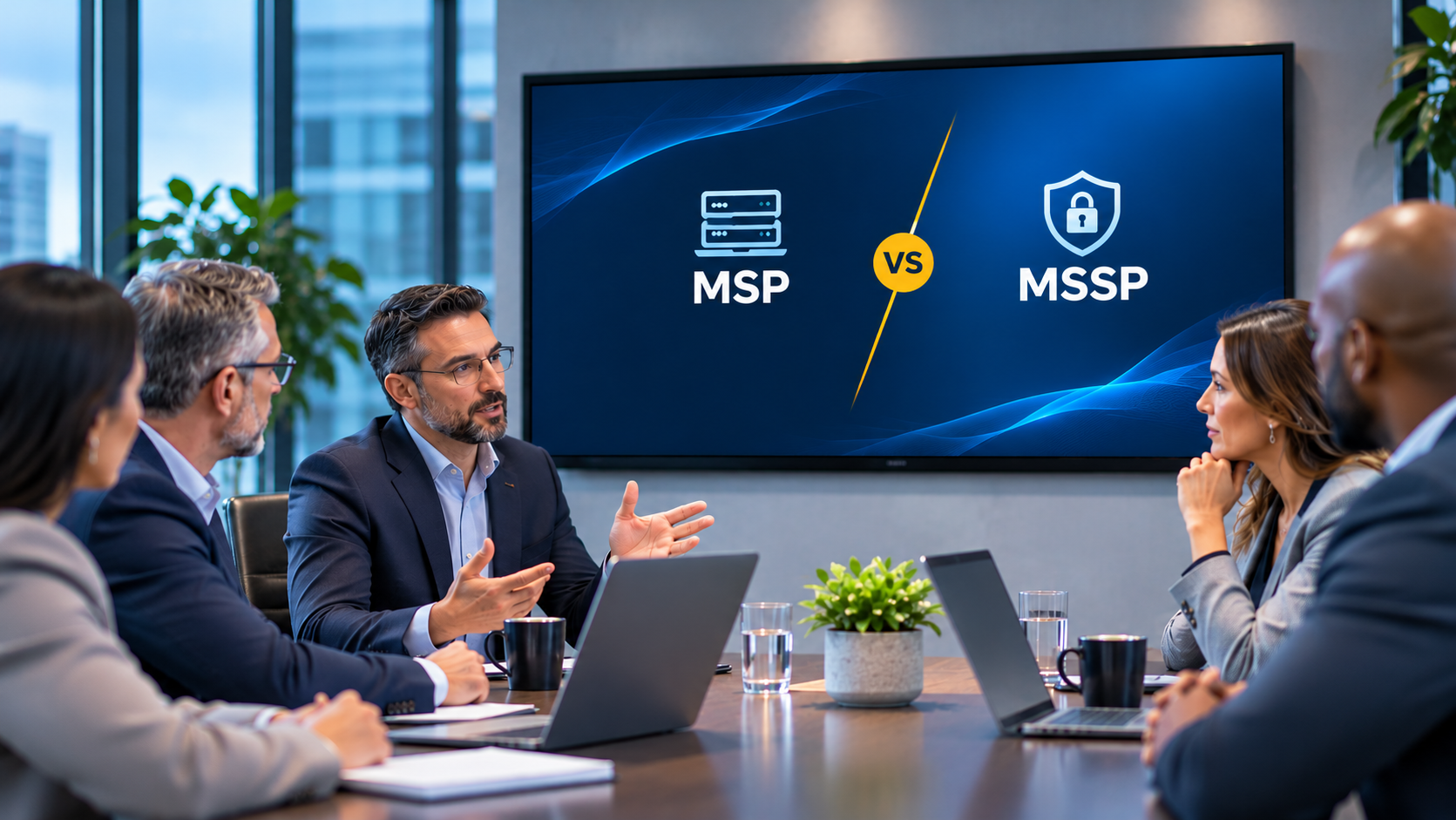
MSP vs MSSP means weighing two different jobs, not two versions of the same service. A managed service provider (MSP) keeps your technology running: help desk, patching, infrastructure, uptime. A managed security service provider (MSSP) keeps that technology defended: threat monitoring, incident response, and staffed, around-the-clock coverage that uptime work was never built to provide. A provider can do one of these jobs well and barely touch the other.
The harder question is not which label to buy. It’s whether the provider you already have is doing the second job, or only saying so.
Find Out What's Actually Covered
What Is the Difference Between an MSP and an MSSP?
An MSP manages your IT operations from a network operations center, or NOC, watching whether systems stay available. An MSSP manages your security operations from a security operations center, or SOC, watching whether anyone is inside your environment who shouldn’t be. Both are outside providers with deep access to your systems. The question each one is built to answer is what separates them.
What Does an MSP Do?
An MSP runs your IT department under contract: help desk tickets, laptop provisioning, patching, network administration, backups, and cloud infrastructure. Most MSPs include baseline security tooling such as antivirus and a firewall, but that’s prevention, not detection. It stops known malware. It doesn’t catch someone logging in with a credential stolen three weeks ago.
What Does an MSSP Do?
An MSSP has one function: finding and stopping threats in your environment before they cause damage. We’ve broken down what that actually looks like day to day elsewhere, but the short version is continuous monitoring through a SIEM platform (often paired with SOAR, security orchestration, automation and response) tuned against the MITRE ATT&CK framework, analyst-led alert triage, threat hunting, endpoint detection and response (EDR), and the log retention that proves to an auditor what happened and when.
Building that capability internally is expensive in a market without enough people to hire for it. According to ISC2’s 2024 Cybersecurity Workforce Study, the global cybersecurity workforce gap stood at roughly 4.8 million unfilled positions. An MSSP doesn’t close that gap. It lets you buy the capability instead of competing for the headcount.
MSP vs MSSP at a Glance
Both models outsource technical work you can’t staff internally. They diverge on what the contract makes the provider responsible for, and on what the provider’s own team gets judged on at the end of the month.
MSP vs MSSP at a Glance
| Category | MSP | MSSP |
|---|---|---|
| Main goal | Keep technology working and people productive | Find and stop threats before they cause damage |
| Typical services | Help desk, patching, backups, cloud and network administration | Continuous monitoring, alert triage, threat hunting, incident response, compliance evidence |
| Operations base | Network operations center (NOC) | Security operations center (SOC) |
| Coverage model | Business hours with on-call for outages | Staffed shifts around the clock |
| How the team is measured | Tickets closed, systems available | Mean time to detect (MTTD) and mean time to respond (MTTR) |
| Best fit | Straightforward IT, little regulated data | Regulated data, contractual security obligations, real exposure |
The row doing the most work is the measurement row, and it’s the reason the next section exists.
Can an MSP Also Be an MSSP?
Yes, and plenty do it well. But only when security runs as its own function, with its own people, its own hours, and its own definition of a good day. When security is a line item inside the IT contract, it tends to quietly stop happening, and the reason is structural, not a matter of effort.
Why Does Bundled Security Break Down?
Bundled security breaks down because a help desk and a security function run on opposite incentives. Help desk staff are measured on how fast tickets close. Security staff are measured on what they detect and how fast they escalate it. Put both jobs on one person’s shift, graded on one metric, and the ambiguous alert loses to the ticket with a faster clock.
A help desk is demand-driven. Work arrives as tickets, and managers grade the people answering them on how quickly those tickets close. That’s the right incentive for IT operations.
A security function is adversary-driven. Work arrives as signals, most of which turn out to be nothing, and managers grade the people on it by what they detect and how fast they escalate it. Closing something quickly is not the goal. Being right about it is.
In environments built this way, the pattern tends to repeat: a real alert sits in the help desk queue for days because it gets scored like a low-priority ticket instead of escalated like a security event. Nobody closes it maliciously. It just loses to whatever has a faster SLA clock attached.
That kind of delay compounds against the clock an attacker is already running. Mandiant’s M-Trends 2026 report puts the global median attacker dwell time, across its own incident response caseload, at 14 days, up from 11 the year before. That caseload skews toward larger, targeted intrusions, so a mid-market breach may look different, but two weeks of unnoticed access is still the kind of gap a properly staffed security function is built to close, and the kind a shared queue tends to widen.
Route security alerts into the help desk queue and you’ve asked one person to hold two opposing reflexes on the same shift. The IT instinct is restore service now. The security instinct is contain first and preserve the evidence. Grade that person on closure rate, and they’ll close the ambiguous alert instead of investigating it.
Coverage breaks the same way. Business hours plus an on-call rotation for outages isn’t 24/7 security monitoring, and extending help desk hours doesn’t get you there. A staffed overnight shift needs people whose only job that is, with the authority to act at 3 a.m. without waking anyone up to ask first.
None of this means one provider can’t do both. It means the provider has to build the security side as its own operation instead of attaching it to someone’s existing job description. The table below is the short version.
Help Desk Queue vs. Security Queue, What Each One Optimizes For
| Category | Help Desk Queue | Security Queue |
|---|---|---|
| Trigger | A ticket | A signal |
| Primary metric | Closure rate | Mean time to detect and respond (MTTD / MTTR) |
| Instinct | Restore service now | Contain first, preserve evidence |
| What gets rewarded | Speed | Accuracy |
Where the Handoffs Break When Two Providers Split the Work
The two-vendor model has the opposite problem. Your MSSP sees the alert. Your MSP owns the endpoint console. Containing the threat means the MSSP calls the MSP, the MSP’s on-call technician needs authorization from someone at your company, and the finance director whose laptop is involved will need that machine at eight in the morning. Every handoff costs minutes, and the attacker is counting on exactly that delay.
Two providers can work well when you write down containment authority, escalation paths, and evidence retention before anyone needs them. The arrangement fails when the contract names nobody for that moment, which looks fine right up until a normal week turns into an incident.
Which Model Actually Fits You?
Which One Does Your Business Need?
Most mid-market organizations need both functions. The real decision is whether to buy them from two providers or from one team accountable for both.
When an MSP Is Enough
You hold little regulated data, your customers aren’t sending security questionnaires, your insurer hasn’t changed its renewal questions, and you have a small attack surface you understand well. A strong managed IT services partner whose baseline already includes endpoint protection and email security covers you.
When You Need an MSSP
Any one of these usually settles it: regulated or high-value data enters the business, a customer or prime contractor asks about monitoring and incident response before signing, your environment grows past what one person can keep eyes on, you have a near miss, or your insurer starts asking about controls that assume a security operation exists behind them.
That’s usually the moment a dedicated managed cybersecurity partner earns its place, rather than an IT provider with a security line item bolted on.
The cost of getting this wrong keeps rising. According to IBM’s 2026 Cost of a Data Breach Report, the global average cost of a breach reached $4.99 million, up 12 percent year over year, and the mean time to identify and contain a breach climbed to 247 days. Containment speed is most of what drives that number.
When One Provider for Both Makes Sense
The case for one provider is that the people who see the alert also own the console and can act on it. No call, no authorization chain, no scope argument at 2 a.m. The case against is that most providers offering both built one of the two first and attached the other.
What makes the difference is not the label. It’s whether the security side has its own staff, its own shift structure, and its own measure of success. That’s checkable, which is the subject of the next section.
What Should You Ask a Provider That Claims to Do Both?
These are the questions that only matter when one company says it handles both jobs. A provider running two real functions answers them quickly. A provider running one function with a security SKU attached will hedge on at least three.
- Is the security queue the same queue as the help desk queue? If alerts and tickets land in the same place, they compete, and the ticket wins.
- Are they the same people, and what does each group get measured on? Ask for the metric by name. Closure rate and MTTD/MTTR are different jobs.
- Who’s on shift outside business hours, and what are they authorized to do without calling us first? On-call for outages is not the same as a staffed security shift.
- Can the security side escalate over the IT side? If containing a threat means taking a production system offline, who decides, and does that decision need the IT team’s agreement?
- Which security functions does the provider run in house, and which do they subcontract? Subcontracting is normal. Not knowing which parts they’ve subcontracted is not.
- What evidence can you produce if our insurer or our customer audits us, and how far back does it go? A provider working to the NIST SP 800-61 incident response lifecycle, detection and analysis, containment, eradication, recovery, should have documentation for each phase, not just a final summary.
These six questions are specific to a both-provider claim. Once you’re past them, the rest of the evaluation, SOC capability, contract language, pricing structure, is its own conversation, and we’ve laid out the fifteen questions that cover it in detail. Ask us the same ones. We’d rather answer them than lose the business to a provider who won’t.
Frequently Asked Questions
Is an MSSP More Expensive Than an MSP?
Usually, because you’re buying a staffed operation rather than a tool. Pricing depends on environment size and scope, and the real comparison isn’t against your IT line item, it’s against the cost of the incident the coverage prevents. What managed security services actually cost walks through the variables that move the number.
Do You Need an MSSP If You Have an In-House IT Team?
Often yes, because the two roles rarely overlap. An internal team that handles user support, applications, and infrastructure is doing IT operations work. Security monitoring is a separate discipline with separate hours. A co-managed IT arrangement is the common middle path, with your team keeping what it does well and the provider covering monitoring and after-hours response.
What Is MDR, and How Is It Different From an MSSP?
MDR is a service, not a provider type. An MSSP is the category. MDR describes a specific level of authority inside it, where the provider can take containment action during an incident rather than alerting you and waiting. Many MSSPs now include it, and plenty don’t, so get it in writing rather than assuming it from the sales deck. Where MDR fits next to EDR and XDR is its own question, worth sorting out separately.
The Label Is Not the Thing
The letters on a provider’s homepage tell you what they sell. The contract tells you what they’re responsible for, and the staffing model tells you whether they can deliver it at two in the morning on a Sunday.
Whichever structure you choose, settle three things in writing before you sign: who’s watching outside business hours, what they can do without calling you, and what evidence you can produce when someone asks. Providers who answer those clearly are the shortlist. If you’re earlier in this than a vendor shortlist, the complete guide to managed security services is the place to start.